Leaving a security key plugged directly into a laptop’s USB-C port puts constant mechanical leverage on the connector, which can eventually damage or break the port. While the included leather keychain sleeve fits well, it does not offer long-term durability, especially when carried alongside actual keys.
1. Design Constraints & Initial Conditions
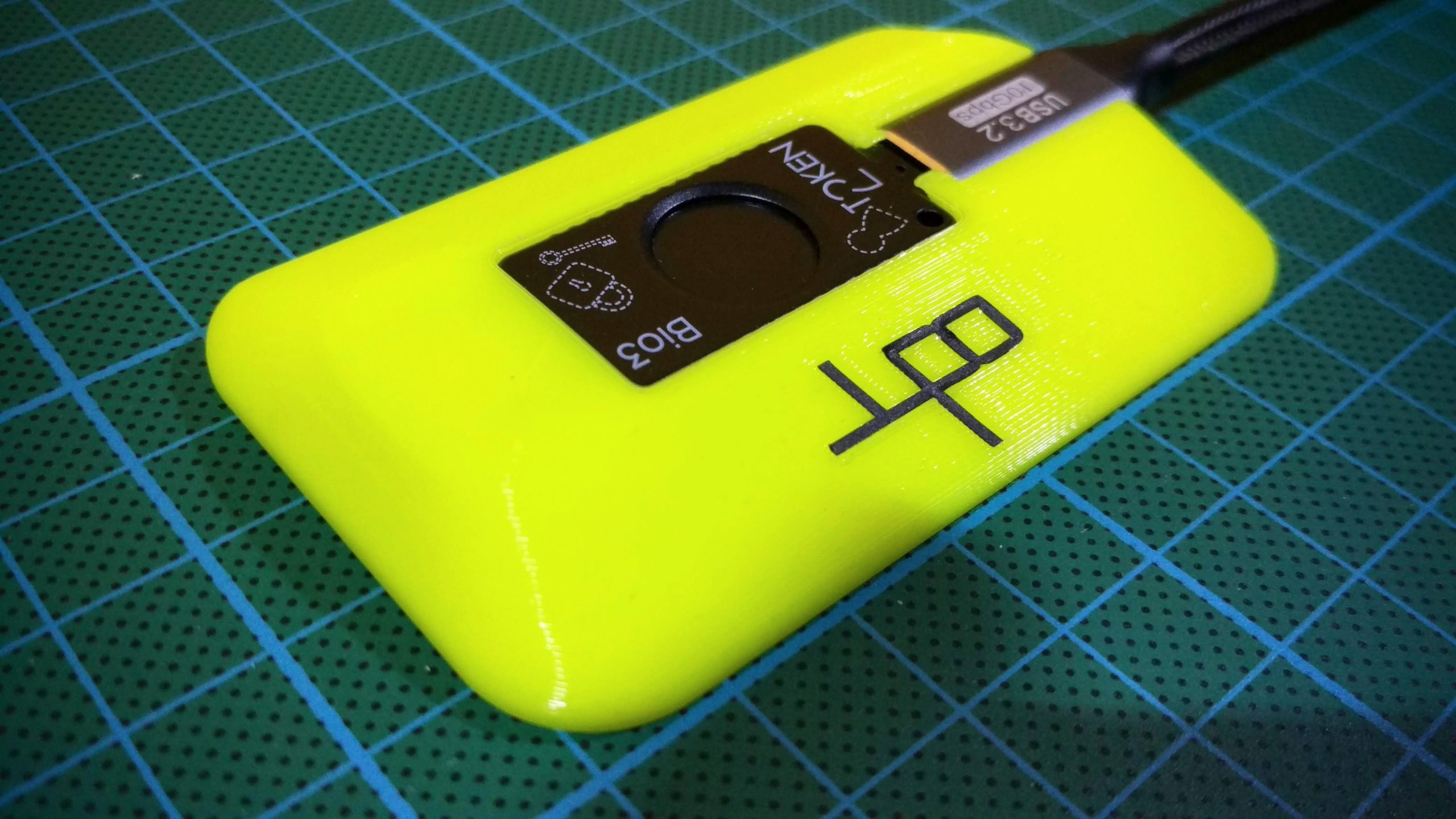
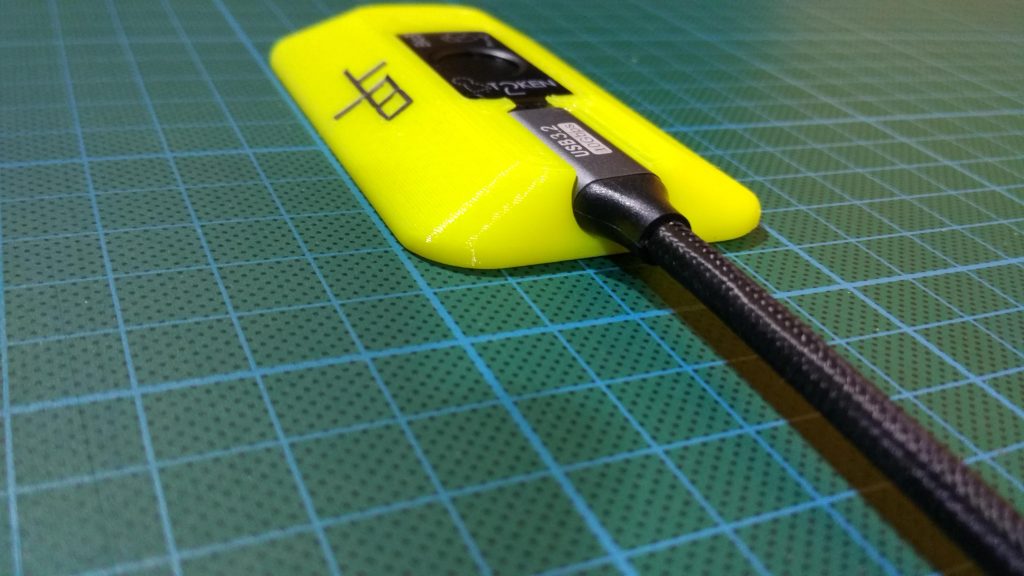
For daily workflows requiring frequent authentication, the key needs to remain connected via a cable and act as a stable, stationary fingerprint reader. At the same time, it must remain portable: the final TPU dock is slightly smaller than a credit card, keeping the key well-protected if you decide to toss it in your bag at the end of the day.
2. Fit & Connector Compatibility
- Device: Token2 Bio3 FIDO2 Security Key.
- Cable Slot: The internal channel is tailored specifically to the USB connector I used. Most standard connectors will fit with a bit of extra clearance, though unusually bulky plugs might not fit.
(Note: I may upload slightly larger or smaller connector variants in the future. Since my specific setup is solved, those alternative files will be untested.)
3. Print Settings & Post-Processing
- Printer: Tested on Creality K1.
- Material: TPU 98A.
- Supports: None required. The model features a single built-in sacrificial support inside the wider USB-A slot, simply grab it with pliers and pull it out after printing.
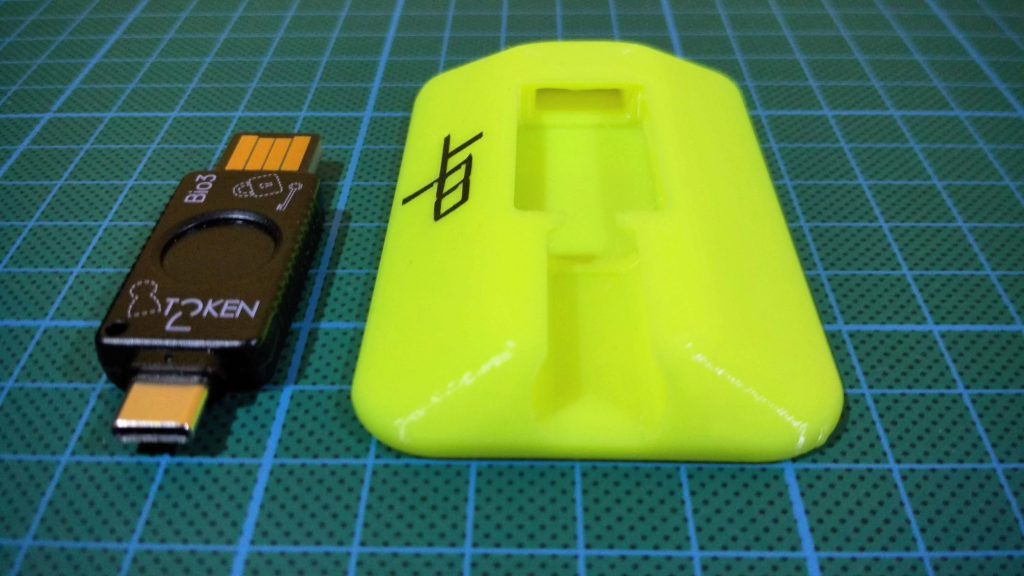
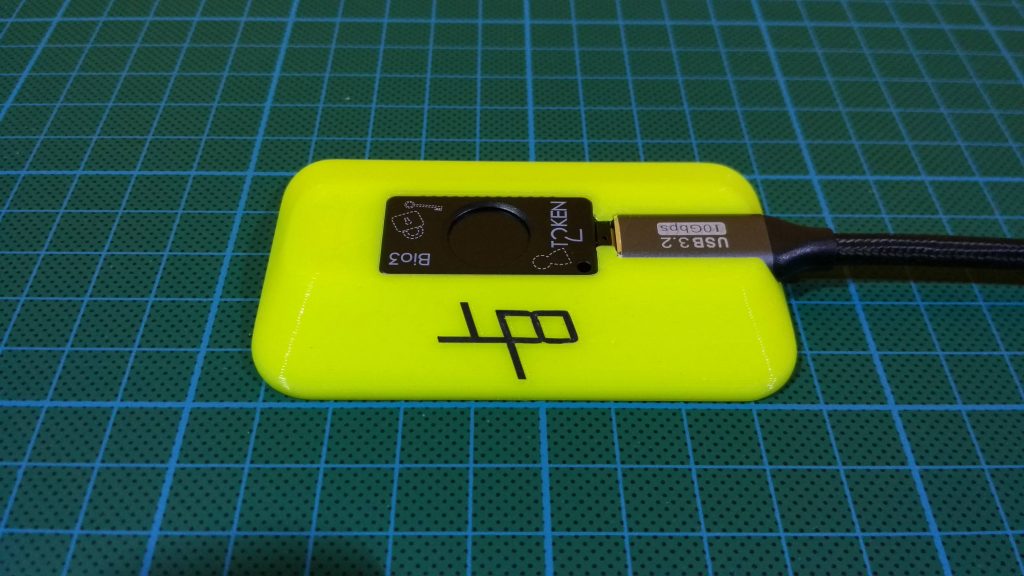
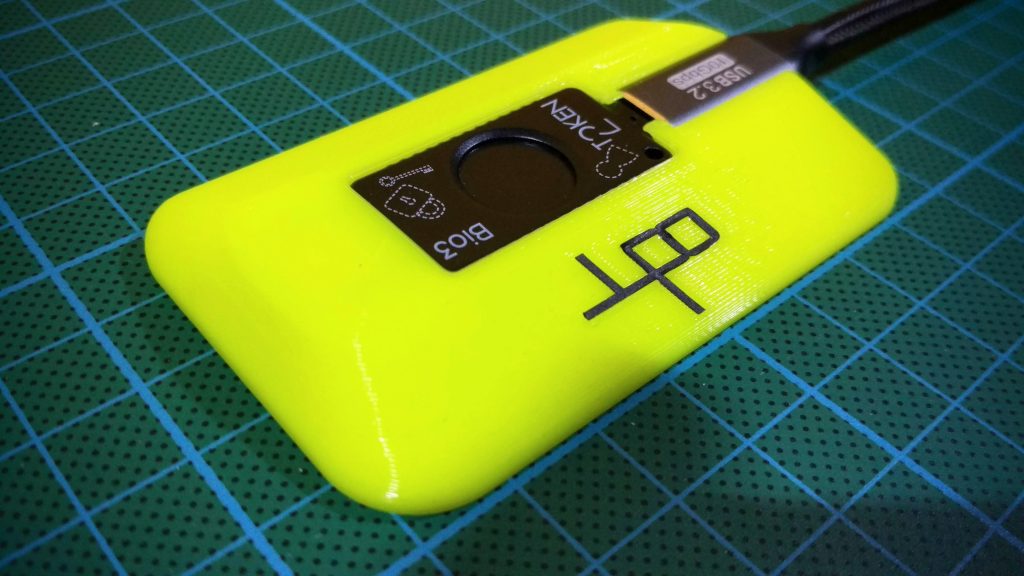
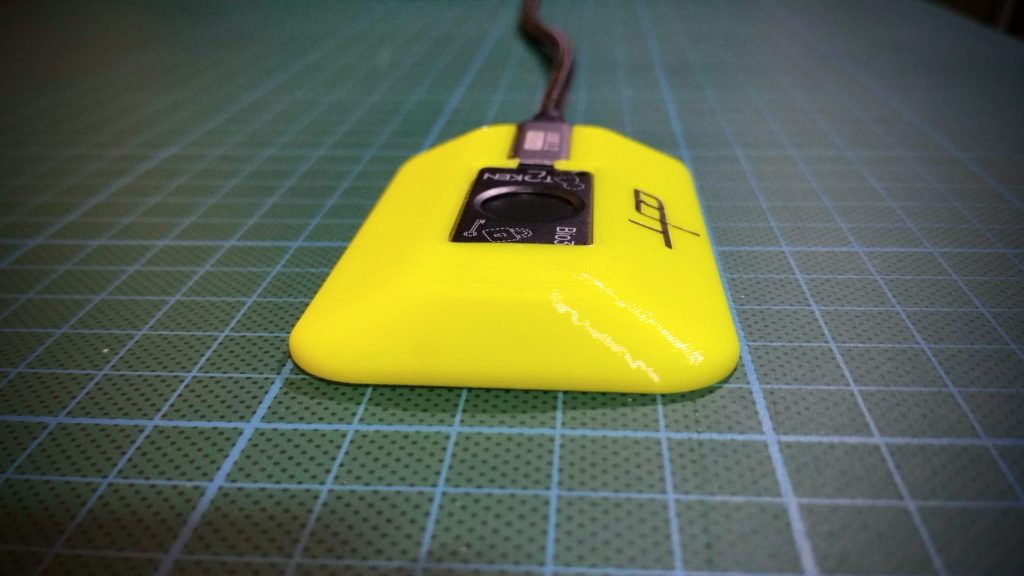
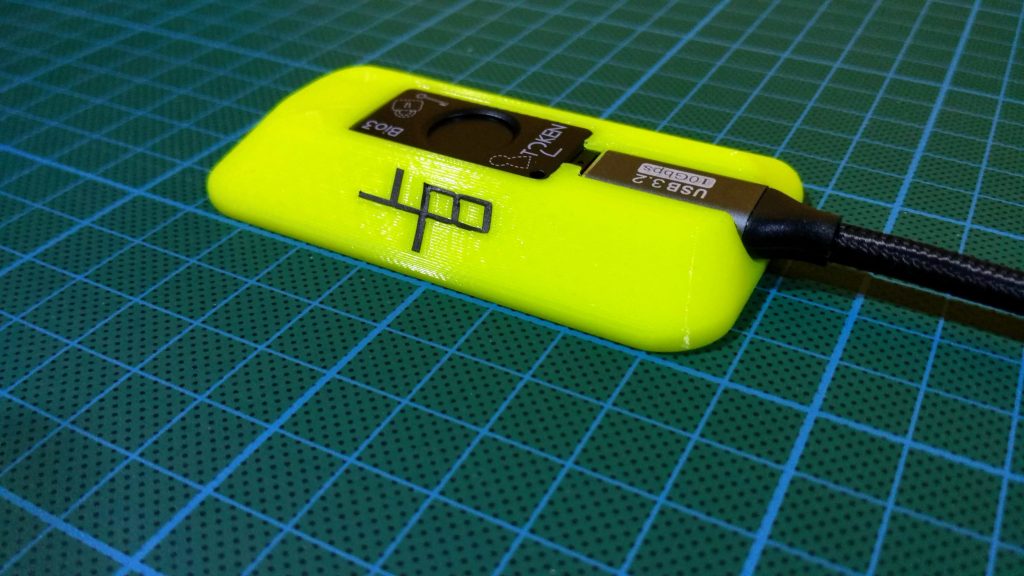
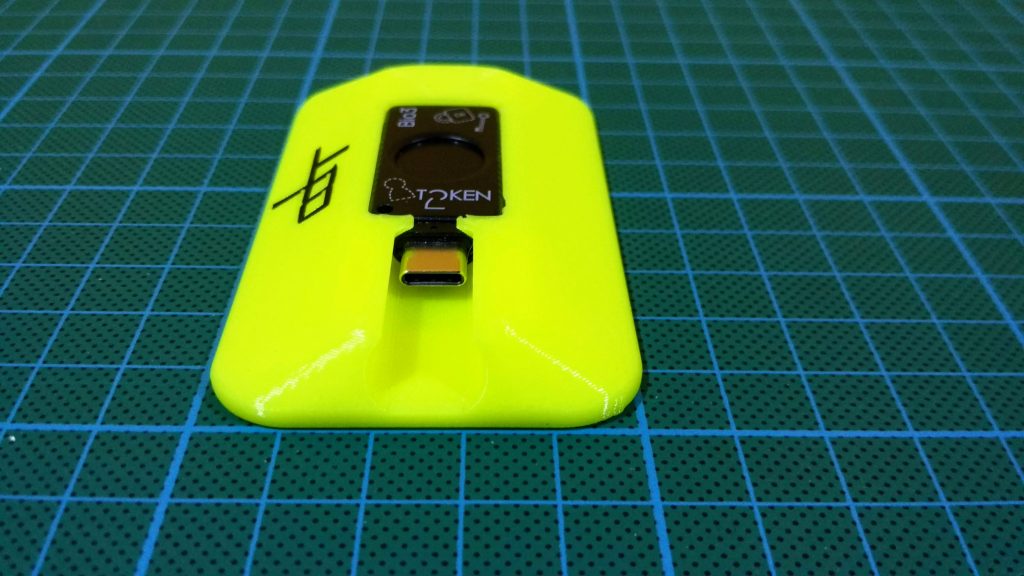
Download the 3D model files (STL / 3MF) via Google Drive.
Visit the Token2 website or check out the key in their official store (non-affiliate links).